> For the complete documentation index, see [llms.txt](https://docs.noggles.com/noggles-nogs/llms.txt). Markdown versions of documentation pages are available by appending `.md` to page URLs; this page is available as [Markdown](https://docs.noggles.com/noggles-nogs/use-nogs/farcaster-tipping.md).
# Farcaster tipping
You can use your NOGS to tip your frens and favourite content on Farcaster.
Here's how:
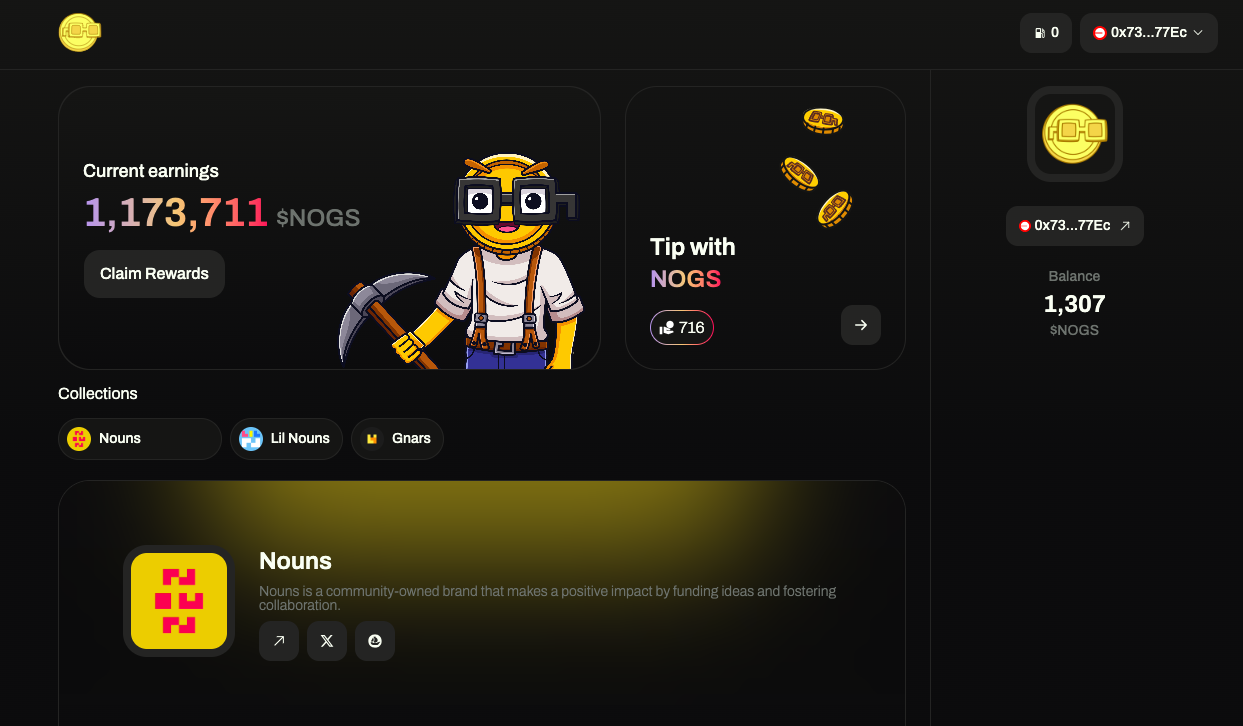
1. **Select the box "Tip with NOGS" in your Noggles** [**dashboard**](https://app.noggles.com)
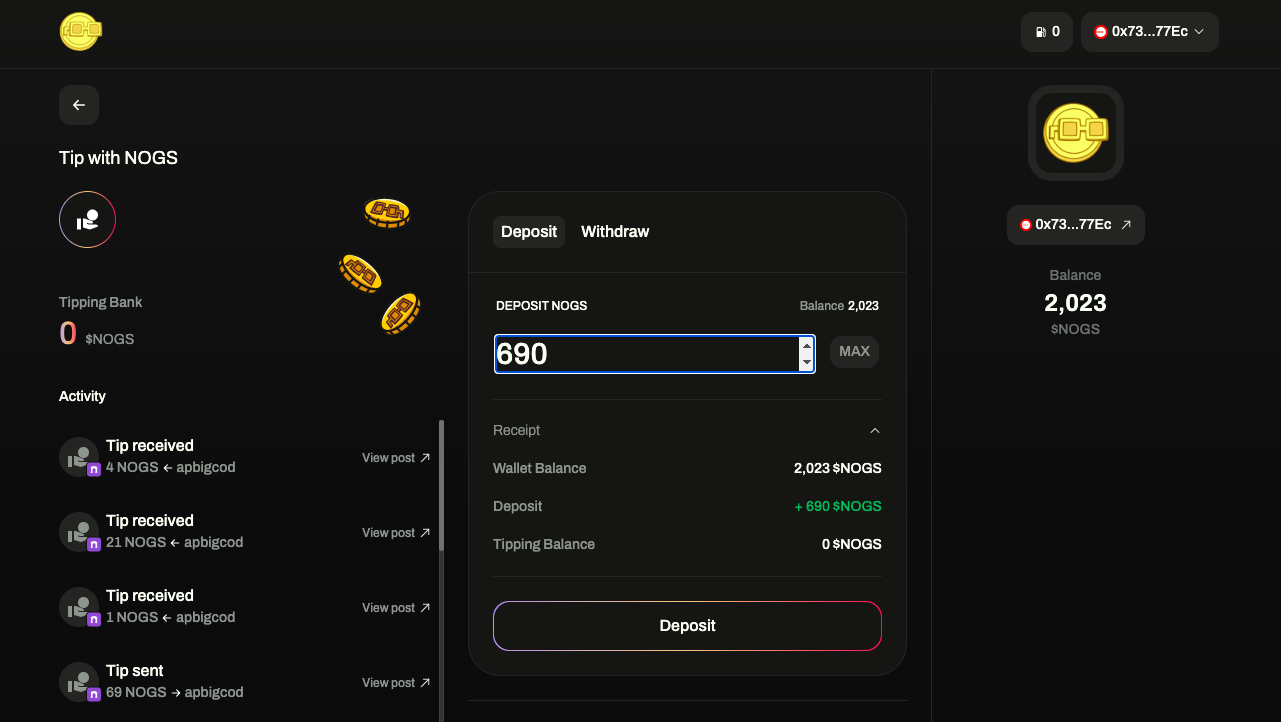
2. **Select the amount of NOGS you want to deposit from your balance**
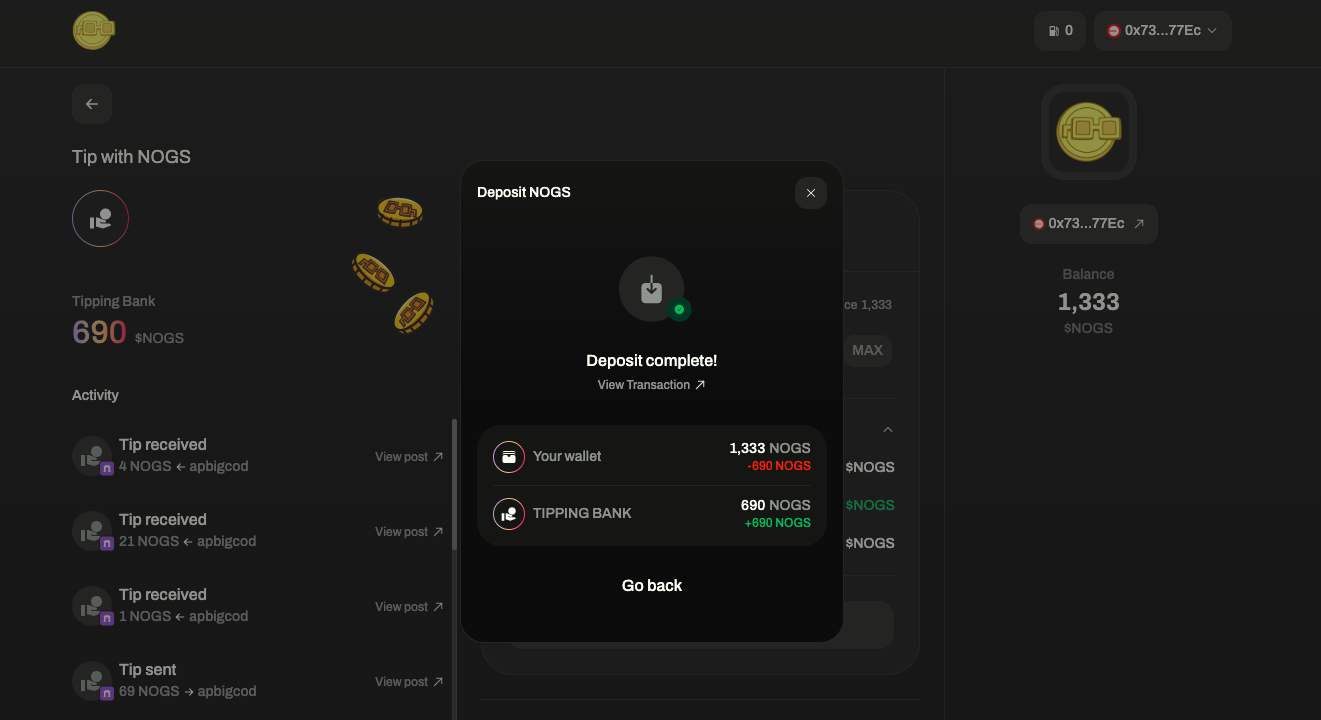
3. **Confirm the 2 transactions required to complete the deposit**
4. **You are ready. Reply to any post on Farcaster using the format "\[amount] $NOGS"**
Your NOGS will be directly transferred from your account to the Tipping Bank of the recipient.
Tip. Proliferate. Have fun! ⌐◨-◨